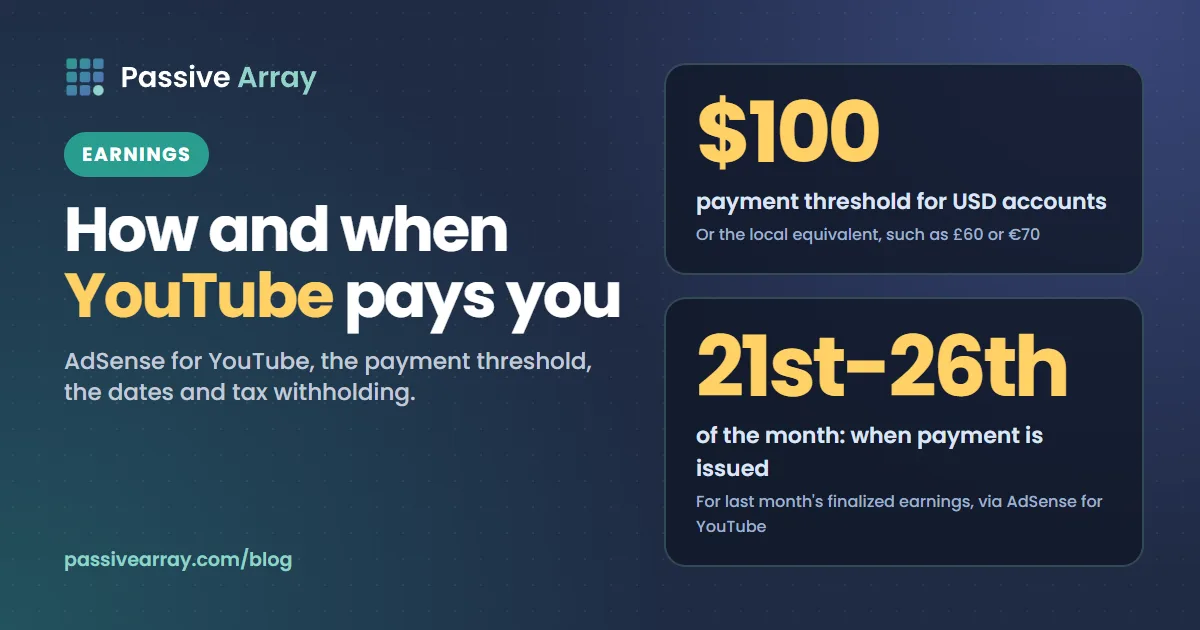
YouTube pays creators once a month through AdSense for YouTube. Your earnings for a month are finalized early the following month, and if your balance is at least $100 (or the local equivalent, such as £60 or €70), Google issues the payment between the 21st and 26th. If you are below the threshold, the balance rolls over until you reach it.
Here is the whole path, from a view to money in your bank.
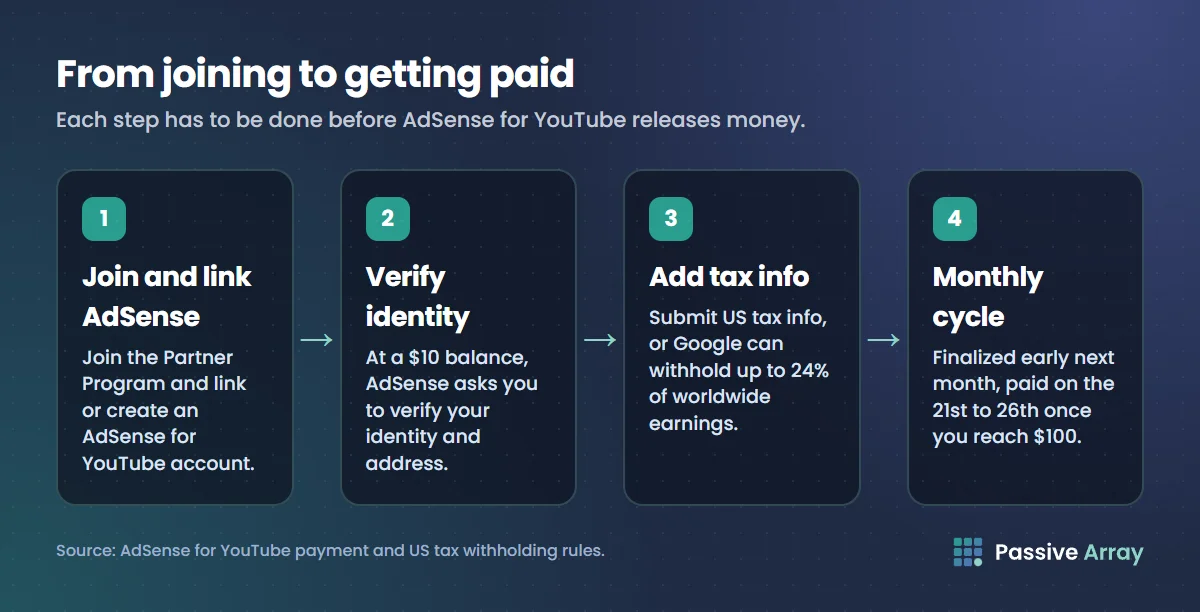
Step 1: join the Partner Program and link AdSense
YouTube only pays channels in the YouTube Partner Program. When you apply, you link or create an AdSense for YouTube account, which is where your earnings are recorded and paid from. You can have one AdSense account and link several channels to it. YouTube monetization requirements covers how to get in.
Step 2: verify your identity and address
When your balance reaches $10, AdSense asks you to verify your identity and your address. Payments are held until both are done, so do this as soon as you are asked. At the same point you can choose how you want to be paid.
Step 3: add tax information
YouTube's parent company is in the US, so it must withhold US tax on earnings from viewers in the United States. That covers ads, YouTube Premium, Super Chat, Super Stickers, Super Thanks and channel memberships. Earnings from viewers outside the US are not affected.
| Your situation | What is withheld |
|---|---|
| US creator with tax info submitted | Nothing |
| Non-US creator with tax info, country has a tax treaty with the US | The treaty rate on US-viewer earnings, which can be 0% (YouTube's own example uses 15%) |
| Non-US creator with tax info, no treaty | 30% of US-viewer earnings |
| Individual with no tax info submitted | Up to 24% of your total worldwide earnings |
The last row is the expensive one. If you do not submit tax information, Google can withhold from everything, not only US earnings. Submit it in AdSense under Payments, then Manage settings, then US tax info. This is general information, not tax advice; your own country may tax your YouTube income too.
Step 4: the monthly cycle
| When | What happens |
|---|---|
| During the month | Estimated earnings build up in YouTube Studio and AdSense |
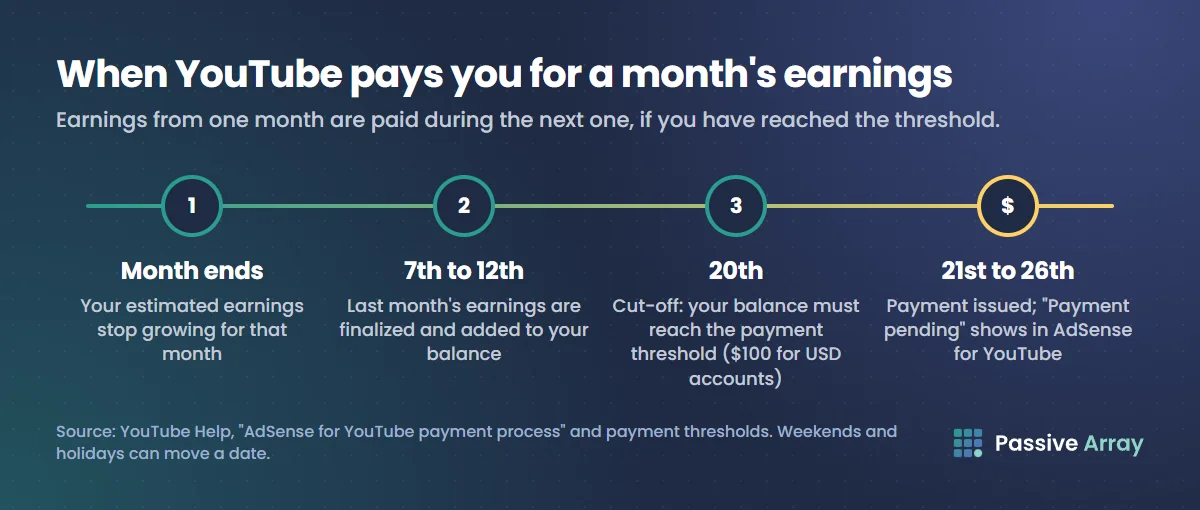
| Between the 7th and 12th of the next month | Last month's earnings are finalized and added to your balance |
| 20th | Cut-off: your balance on this date must have reached the payment threshold |
| 21st to 26th | Payment is issued if your balance is at least $100 and there are no holds |
| A few days to a few weeks later | Money arrives, depending on payment method and bank |
So earnings from a video that took off in March are finalized in early April and paid in late April.
Payment methods
The options depend on your country. AdSense lists bank transfer (EFT), SEPA in Europe, wire transfer, cheque, Western Union and PayPal Hyperwallet. Bank transfer is the most common and usually the fastest. Choose the method in AdSense under Payments, then Payment info.
Why a payment might not arrive
- Balance under $100. It rolls over to the next month.
- Identity or address not verified.
- Tax information missing or invalid.
- Payment method not set up, or bank details wrong.
- A hold on the account, for example while invalid traffic is reviewed.
AdSense shows the reason under Payments, and usually emails it too.
Why Studio and AdSense numbers differ
YouTube Studio shows estimated revenue, updated as it goes. AdSense pays finalized revenue, after invalid traffic is removed and adjustments are made. The final figure is often a little lower than the estimate. Advertisers being refunded for invalid clicks or views is the usual reason.
What gets paid, and what does not
Paid through AdSense: ad revenue, YouTube Premium revenue, channel memberships, Super Chat, Super Stickers, Super Thanks and YouTube Shopping affiliate earnings.
Not paid by YouTube: sponsorships, which the brand pays you directly, and income from your own products, courses or other platforms.
To estimate what a channel's views are worth before any of this, use the YouTube money calculator. For the bigger picture of creator income, see how much a YouTuber makes.