A YouTube MCN (multi-channel network) is a company that works with many YouTube channels and offers them services in exchange for a share of their YouTube revenue. YouTube describes MCNs as third-party service providers that may help with audience development, content programming, collaborations, digital rights management, monetization and sales. YouTube does not endorse them, and says plainly that you do not need to join an MCN to succeed on YouTube.
What an MCN does
The services vary a lot between networks. Common ones:
- Monetization help, such as optimizing ad settings or handling payments.
- Rights management, such as managing Content ID claims for your content when others reupload it.
- Brand deals and sales, connecting channels with advertisers.
- Production support, such as music libraries, editing tools or studio space.
- Audience development, such as strategy advice, collaborations and cross-promotion between channels in the network.
- Financial services, such as advances on future earnings.
Some MCNs are hands-on partners. Others mainly collect a cut and offer little. The name tells you nothing; the contract does.
How MCNs make money
YouTube's revenue share does not change when you join an MCN. YouTube still pays the same share; the money is then split with the network. In YouTube's words, MCNs typically take a percentage of revenue from the creator's portion. The percentage is set by the contract and varies by network and channel size.
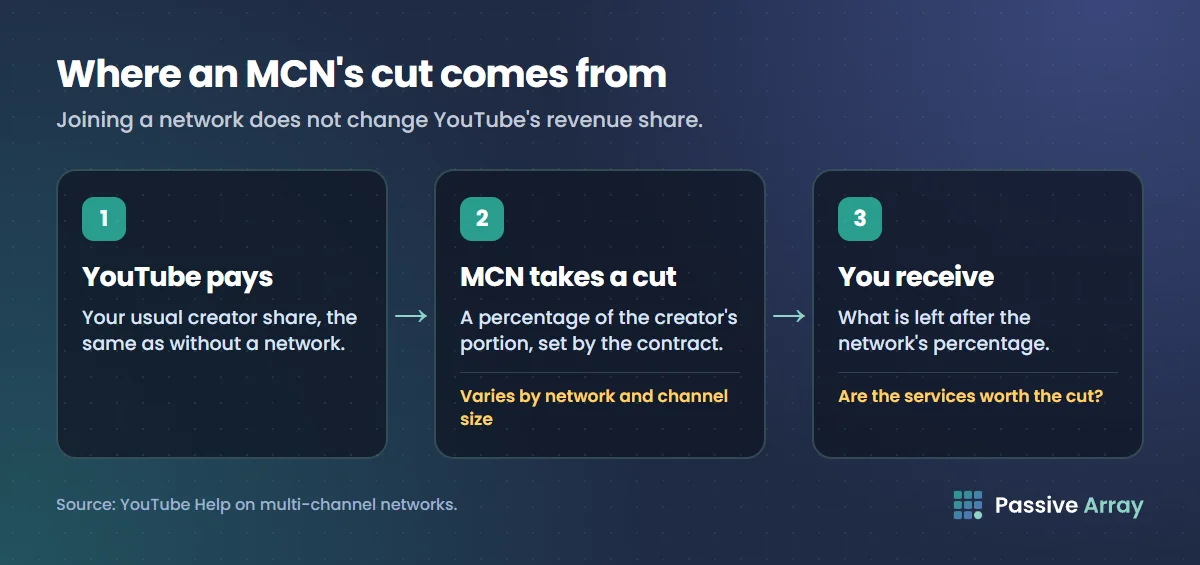
So the question is always: are the services worth more than the percentage?
What YouTube tells creators to check
Before signing, YouTube suggests making sure you understand:
- The fees, and exactly which revenue they apply to.
- The services, written into the contract, not just promised in a call.
- Your obligations, such as minimum uploads or exclusivity.
- How long the contract runs, and whether it renews automatically.
- How to terminate the agreement, including notice periods and any exit fees.
Add a few of our own:
- Does the percentage cover only YouTube ad revenue, or sponsorships and other income too?
- Who owns or controls your content and Content ID?
- Can you see the reports behind your payments?
- Is there a minimum term before you can leave?
If a network pressures you to sign quickly, or will not put services in writing, walk away.
Should you join one?
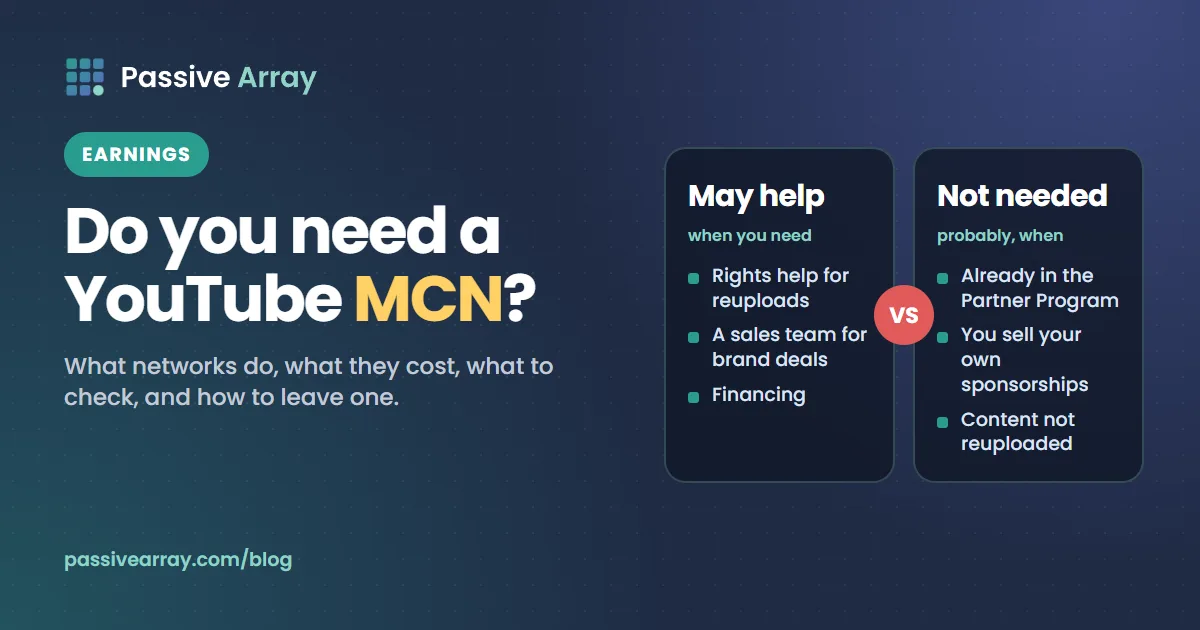
An MCN can make sense when you need something you cannot easily get alone: rights management for heavily reuploaded content, a sales team for brand deals, financing, or help in a market where YouTube's own support is harder to reach.
You probably do not need one when your channel is already in the YouTube Partner Program, you handle your own sponsorships, and your content is not widely reuploaded. YouTube Studio, AdSense and the Partner Program give a monetized creator the same core tools directly.
Before deciding, work out what the network's percentage would cost you. Take your monthly earnings from the YouTube money calculator, multiply by the percentage, and ask whether the services are worth that every month. If brand deals are the pitch, compare with what you could charge yourself using the sponsorship price calculator.
How to leave an MCN
You can remove a network's access to your channel from YouTube Studio:
- Open YouTube Studio and go to the Network relationship card.
- Choose Remove access, then Leave network.
- The MCN has 30 days to respond. If it does not, its access is removed automatically.
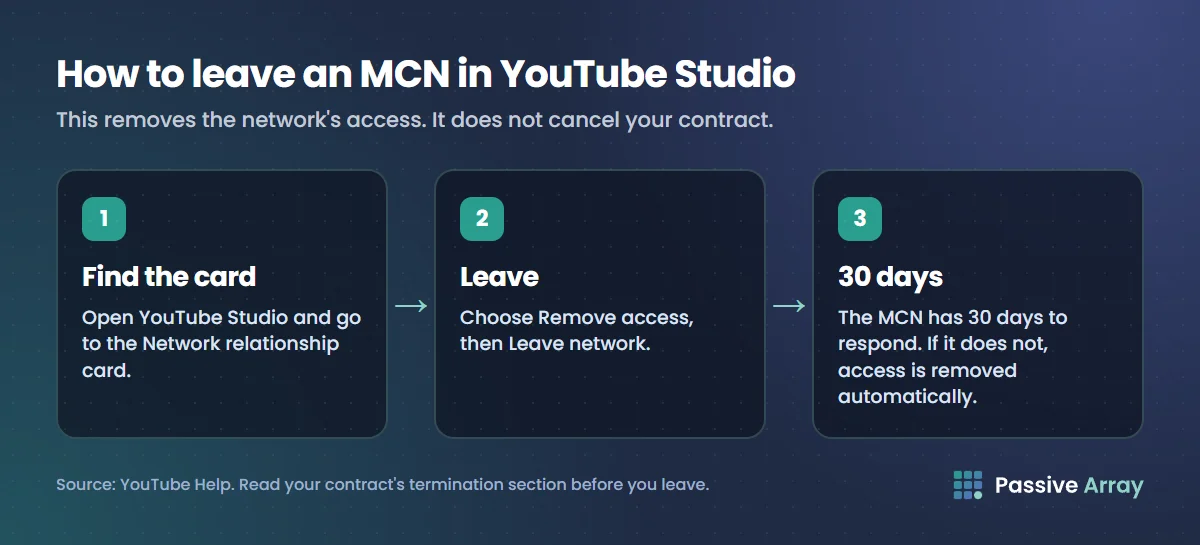
Removing access in Studio does not cancel your contract. If you are still under contract, you may still owe the network under its terms. Read the termination section before you leave.
Checking a channel's status
To see whether any channel is earning from ads, use the monetization checker. For how YouTube pays creators directly, with no network in between, read how and when YouTube pays you.