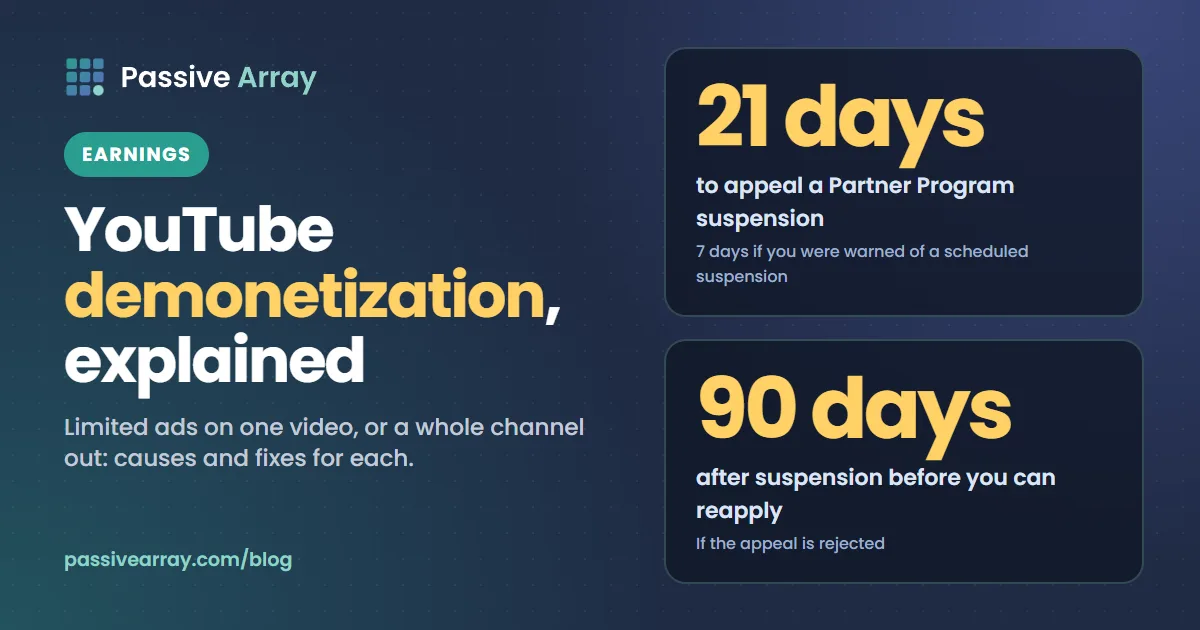
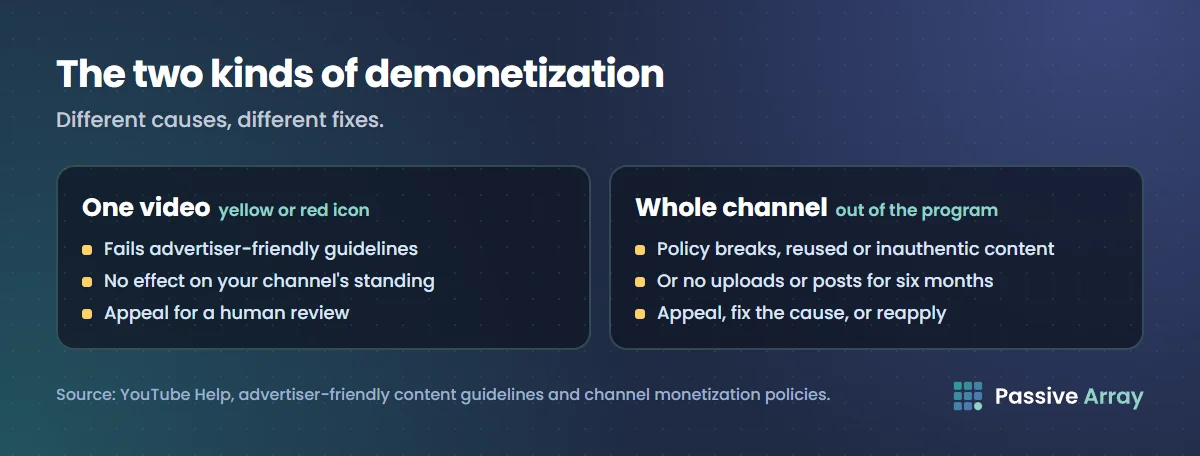
"Demonetized" means two different things on YouTube. Most often it means a single video has limited or no ads, shown by a yellow or red dollar icon in YouTube Studio. More seriously, it can mean a whole channel has been removed from the YouTube Partner Program and earns nothing. They have different causes and different fixes.
Video demonetization: the yellow icon
In YouTube Studio, open Content and look at the Monetization column.
| Icon | Meaning |
|---|---|
| Green | On. The video can run ads from all advertisers |
| Yellow | Limited ads. The video does not meet all of YouTube's advertiser-friendly guidelines, so only some advertisers will appear and it may earn less |
| Red | Off. No ads, though other income such as memberships may still be possible |
A yellow icon is not a punishment and does not affect your channel's standing. It means fewer advertisers want to appear next to that video.
Why a video gets limited ads
YouTube's advertiser-friendly content guidelines list the topics advertisers avoid. The common ones:
- strong or frequent profanity, especially in the first seconds or in the title and thumbnail,
- violence or graphic content,
- adult content or sexual themes,
- shocking or disturbing content,
- harmful or dangerous acts,
- hateful or derogatory content,
- drugs, firearms and controversial issues,
- sensitive events, such as tragedies, without a clear educational purpose.
The title, thumbnail, description and tags are judged as well as the video itself.
Rating your own videos
When you upload, YouTube asks you to rate your video against the guidelines. This is called self-certification. Once you have rated around 20 videos, YouTube starts judging how accurate your ratings are. Creators who rate accurately have their own ratings used for the first monetization decision, which means fewer wrong yellow icons. Rating dishonestly does the opposite and, if repeated badly enough, can trigger a review of your Partner Program eligibility.
How to appeal a yellow or red icon
- In Studio, open the video's details and find the Impact summary or notice about ad earnings.
- Click Appeal to request a human review.
- Wait for the reviewer's decision. A human reviewer's decision is final.
Appeal when you genuinely believe the video is advertiser-friendly. A video that reached many viewers is worth appealing quickly, because most of its views come early.
To avoid repeat problems, keep the first 30 seconds, the title and the thumbnail clean. Those parts are judged most strictly.
Channel demonetization: removed from the Partner Program
This is the serious kind. YouTube can remove a channel from the Partner Program when it:
- breaks YouTube's channel monetization policies or Community Guidelines,
- inflates views, likes or subscribers artificially,
- relies on reused content: other people's material with no meaningful added value, judged across the whole channel,
- publishes inauthentic content: content that is mass-produced, generic, repetitive or manipulative. YouTube renamed its "repetitious content" policy to this in July 2025, and says such content was always ineligible,
- has been inactive: YouTube may turn off monetization on a channel that has not uploaded a video or posted in the Posts tab for six months or more.
How to recover a demonetized channel
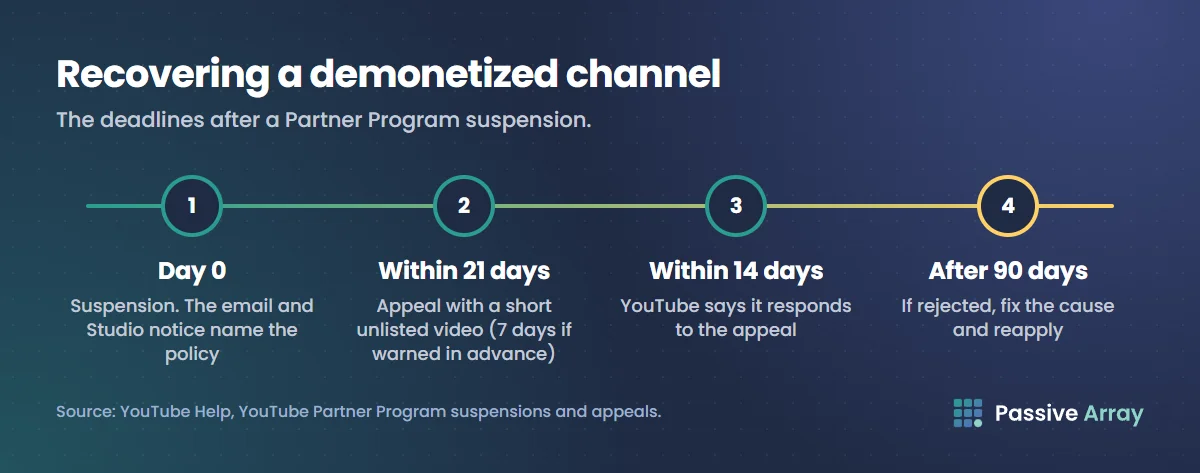
- Read the email and the notice in Studio. It names the policy.
- Appeal if you think it is a mistake. You have 21 days from a suspension to appeal, or 7 days if you were warned of a scheduled suspension. The appeal is a short unlisted video that explains how your channel as a whole follows the policies, with your channel URL in the first 30 seconds. YouTube says it responds within 14 days.
- If the decision stands, fix the cause. Remove or rework the videos that broke the policy. For reused content, that means adding real commentary, analysis or original material, not small edits.
- Reapply after 90 days. If the appeal is rejected, you can reapply to the Partner Program 90 days after the suspension date.
A channel removed for inactivity can usually reapply once it is active again.
Check whether a channel is monetized
To see from the outside whether a channel is earning from ads, use the monetization checker. To see what demonetization is costing in money terms, compare the channel's views with the range in the YouTube money calculator.
For the rules on getting into the Partner Program in the first place, read YouTube monetization requirements. For copyright problems, which work separately from demonetization, see copyright claim vs strike.