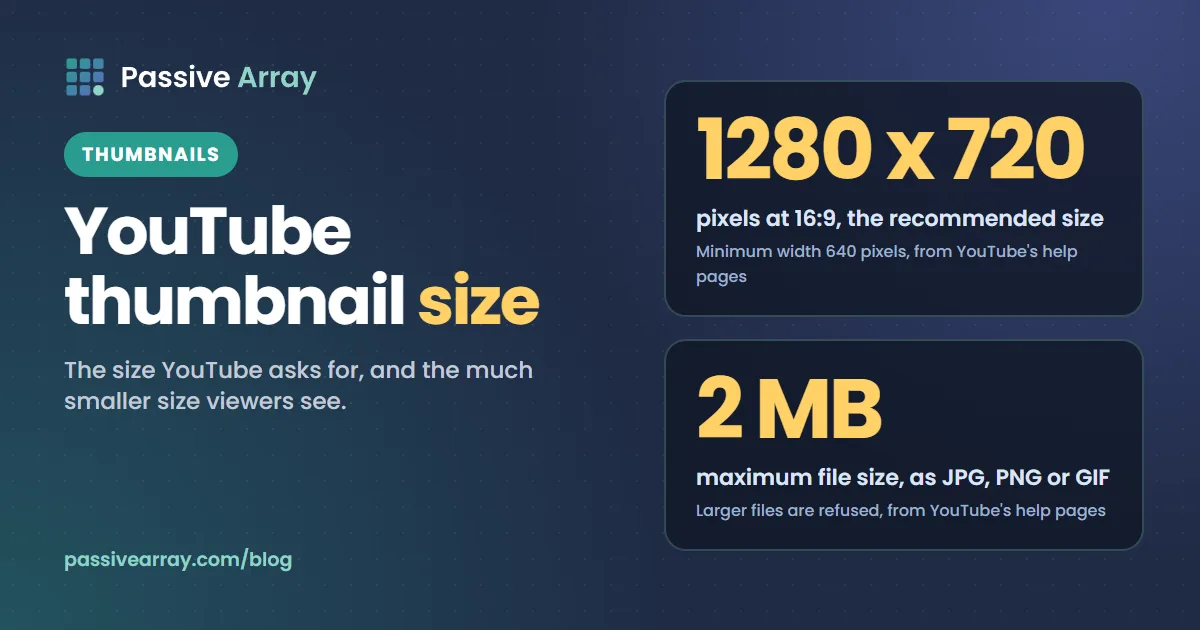
The size YouTube asks for and the size viewers see are two very different things. Get the first right so the upload is accepted and sharp. Design for the second, because that is where the click is won.
The numbers
| Setting | Requirement |
|---|---|
| Recommended size | 1280 x 720 pixels |
| Minimum width | 640 pixels |
| Aspect ratio | 16:9 |
| File types | JPG, PNG or GIF (the first frame of a GIF is used) |
| Maximum file size | 2 MB |
These come from YouTube's own help pages. If your image is not 16:9, YouTube adds black bars or crops it, which wastes space and can cut off text. If it is over the file limit, the upload is refused, so save as a JPG at high quality rather than a large PNG.
Custom thumbnails need a verified account. If the "Upload thumbnail" option is missing in YouTube Studio, verify your phone number in your channel's feature settings and it appears.
Why 1280 x 720 and not bigger
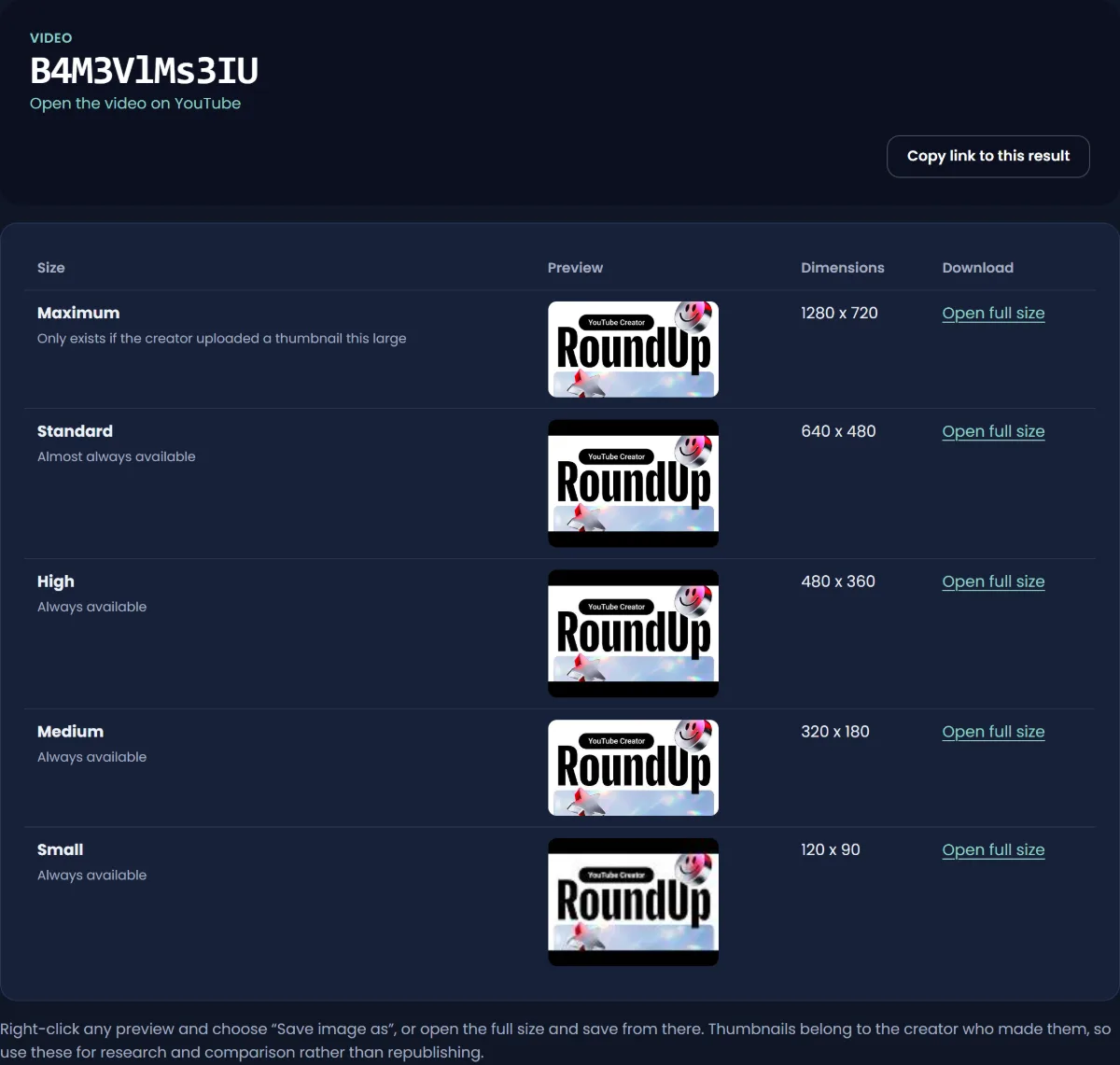
YouTube stores and serves thumbnails at fixed sizes, and the largest is 1280 x 720. Uploading a 4K image does not make the thumbnail sharper; it is scaled down to the same result. You can see every stored size for any video with the thumbnail downloader:
| Stored size | Dimensions |
|---|---|
| Maximum | 1280 x 720 |
| Standard | 640 x 480 |
| High | 480 x 360 |
| Medium | 320 x 180 |
| Small | 120 x 90 |
The 4:3 sizes (640 x 480 and smaller) add bars above and below a 16:9 image. That is normal and not something to design around.
The size people actually see
Nobody sees your thumbnail at 1280 x 720. On a phone home feed it fills the width of the screen, about 350 to 430 pixels wide. In suggested videos beside a playing video on desktop, it is around 168 pixels wide. In search on mobile it can be smaller still.
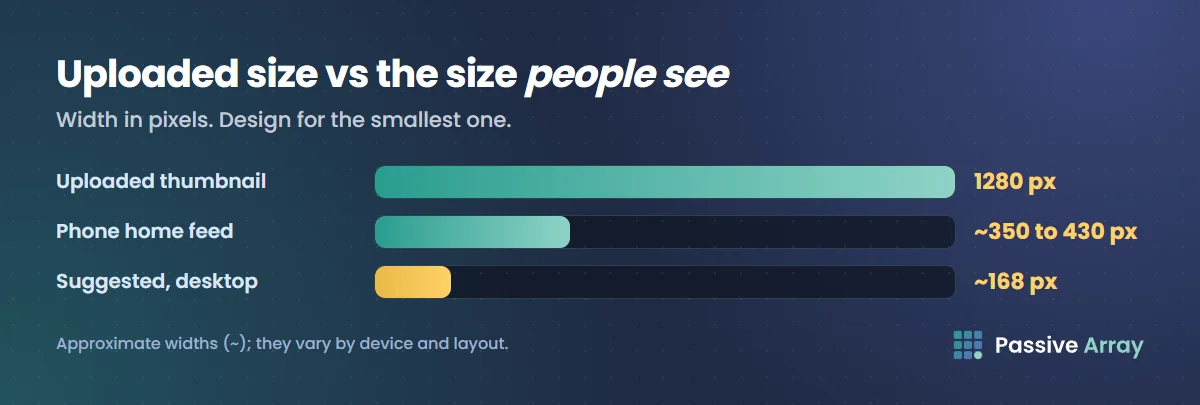
That smallest view is the test. A thumbnail that only works full size does not work.
- Three words or fewer. Text that reads at 1280 pixels becomes a smudge at 168.
- One subject. A face or object that fills a third of the frame survives shrinking. A group shot does not.
- Strong contrast. Light subject on a dark background, or the reverse. Mid-tone on mid-tone disappears.
- Keep the bottom right clear. YouTube puts the video length over that corner. Anything important there gets covered.
Our thumbnail tester shows your image at the real feed sizes, in light and dark mode, and checks the dimensions, aspect ratio and file size before you upload.
Shorts thumbnails
Shorts are vertical, 9:16, and the cover YouTube shows in the Shorts feed is a frame from the video. In the YouTube app you can choose which frame to use when you upload. Where a Short appears in a regular grid, such as on your channel page, YouTube crops it, so keep the important part of that frame near the middle.
Quick checklist before you upload
- 1280 x 720, 16:9, under 2 MB.
- Readable at 168 pixels wide.
- Nothing important in the bottom-right corner.
- Matches the title instead of repeating it. The title says it; the thumbnail shows it. Run the title through the title analyzer as a pair.
- Looks different from the thumbnails around it in your niche. Search your topic and see what yours will sit next to.
By Nasir Uddin, founder of Passive Array. Rules and figures checked Oct 29, 2026.