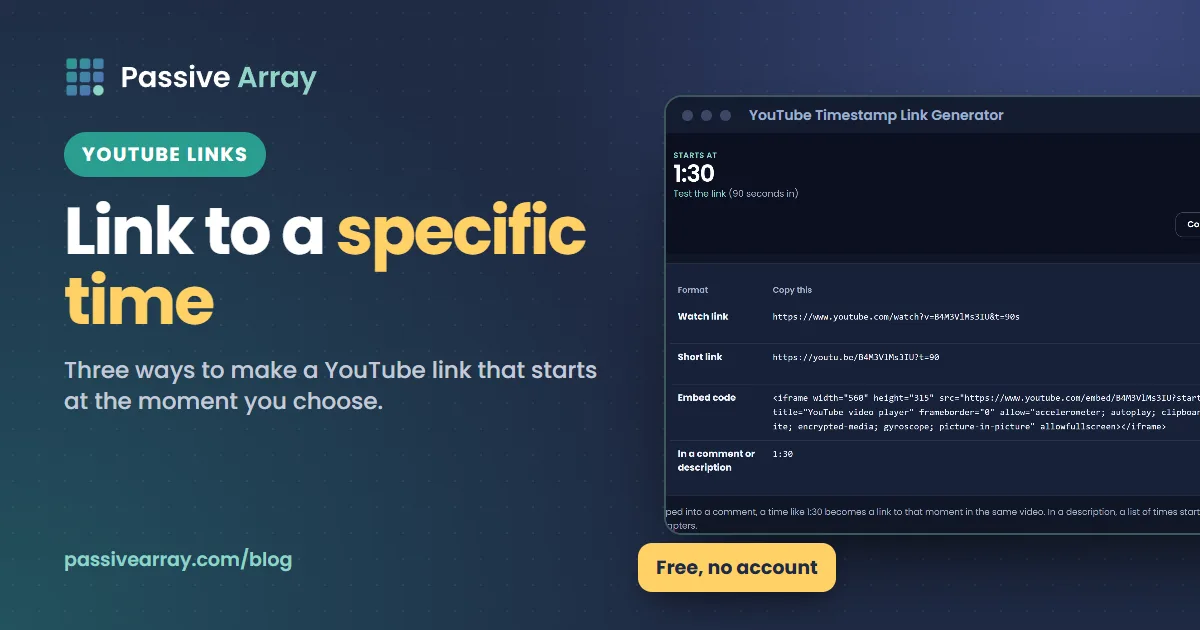
A timestamp link opens a YouTube video at a chosen moment instead of the start. It is the difference between "the answer is somewhere in this 40-minute video" and sending someone straight to it.
Three ways to make one
1. The Share button (easiest). Pause the video at the moment you want. Click Share, tick "Start at", and copy the link. On phones, pause, tap Share, and the link copies with the current time on most versions of the app.
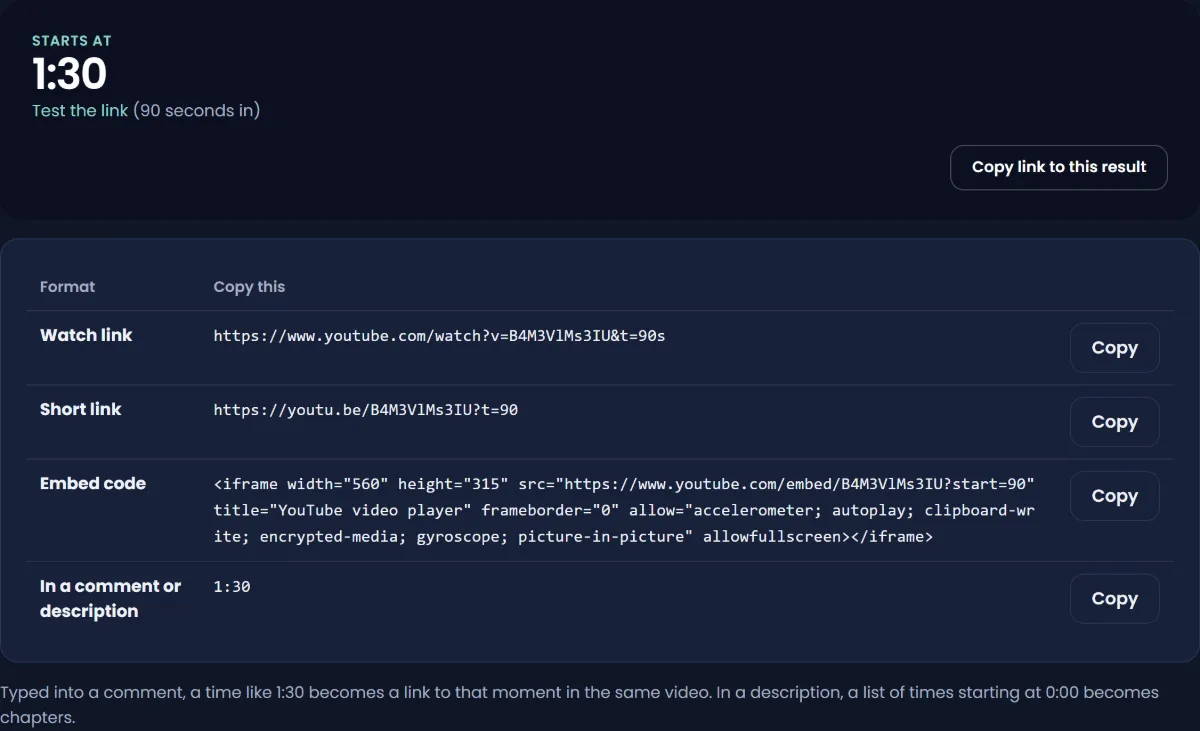
2. Add it to the link yourself. Put t= and the number of seconds on the end of the link.
- Watch links already have a question mark, so add
&t=90:https://www.youtube.com/watch?v=VIDEOID&t=90 - Short links start the parameters, so add
?t=90:https://youtu.be/VIDEOID?t=90
YouTube also accepts minutes and seconds, such as t=1m30s. Both start at 1 minute 30 seconds.
3. Use our generator. The timestamp link generator takes any YouTube link and a time like 1:30 or 01:02:15, and gives you the watch link, the short link and the embed code, all set to start there.
Timestamps in comments
Type a time in a comment, such as 4:32, and YouTube turns it into a clickable link that jumps to that point in the same video. Viewers do this to point at a moment; creators do it in a pinned comment to give a quick index.
Timestamps in your description become chapters
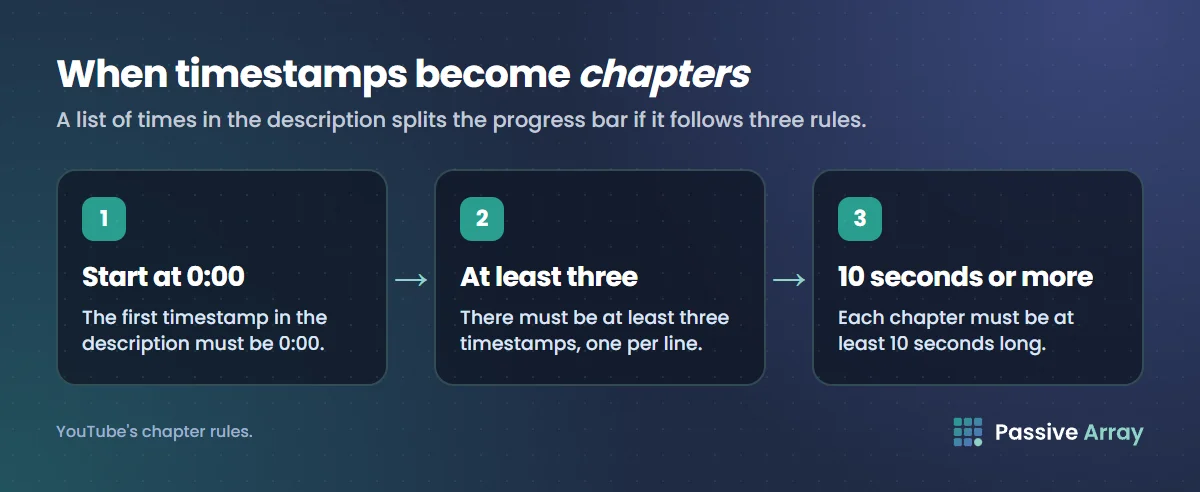
A list of timestamps in your video description does more than make links. If it follows YouTube's rules, it splits the progress bar into chapters with titles:
- The first timestamp must be
0:00. - There must be at least three timestamps.
- Each chapter must be at least 10 seconds long.
Write one per line, time first:
0:00 Intro1:15 What you need4:40 Step one
Chapters help viewers skip to what they came for, and YouTube can show them in search results. Our description generator includes a timestamps block for you to set to your real chapters.
Embeds that start at a time
On a website, the embed link uses start= instead of t=, in seconds:
https://www.youtube.com/embed/VIDEOID?start=90
The Share, then Embed, option in YouTube adds this for you when "Start at" is ticked.
When a timestamp link does not work
- It starts at the beginning. Check the number.
t=takes seconds or a form like1m30s;t=1:30is not read correctly. - The video is a Short. Shorts loop and do not support start times in the same way.
- The time is past the end. The video simply loads at the start or end.
By Nasir Uddin, founder of Passive Array. Rules and figures checked Oct 29, 2026.